What is IPTV? IPTV stands for Internet Protocol Television. Instead of receiving TV through a satellite dish, an aerial or a cable line, IPTV delivers live channels, films and series over your normal internet connection. If you have ever watched TV through an app on a Smart TV, a Firestick or your phone, you have already used a form of IPTV.
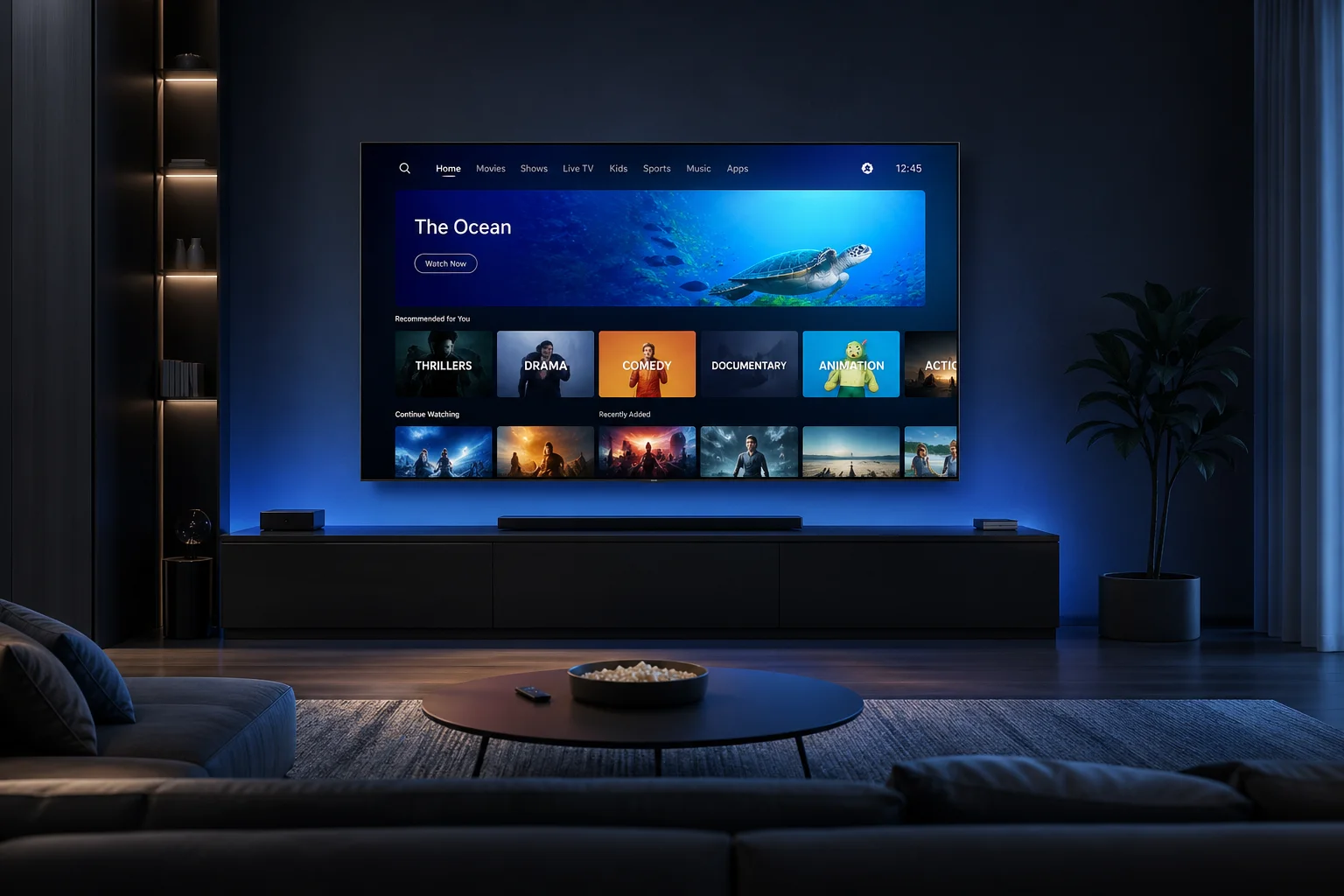
In this guide we explain what IPTV is in plain English, how it works, what you need to watch it in the UK and what to look for before you choose a service.
What Is IPTV in Simple Terms?
Traditional TV sends every channel to your home at the same time, whether you watch it or not. IPTV works differently. When you choose a channel or a film, only that stream is sent to your device over the internet. This is why IPTV can offer thousands of channels and a large on-demand library without needing extra cables or equipment.
Think of it like music streaming: you no longer need a shelf of CDs, because the song you want is played from the internet the moment you press play. IPTV does the same thing for television.
How Does IPTV Work?
An IPTV service stores and encodes TV channels and videos on servers. When you open your IPTV app and choose something to watch, the app requests that stream from the server and plays it on your screen within a few seconds. Most services give you login details or a playlist that you add to an app such as an IPTV player on your Smart TV, Firestick or phone.
A good service also includes an EPG (Electronic Programme Guide), which shows what is on now and next for each channel, just like the TV guide you get with Freeview or Sky.
What Is IPTV Made Of? The Three Main Types
- Live TV: channels streamed in real time, including news, entertainment and live sport.
- Video on Demand (VOD): a library of films and series you can start whenever you like.
- Catch-up / time-shifted TV: programmes that were broadcast earlier and can be replayed later.
Most modern IPTV subscriptions combine all three, so one app gives you live channels, box sets and films.
What Do You Need to Watch IPTV in the UK?
- An internet connection: around 10 Mbps is usually enough for HD, and 25 Mbps or more is recommended for 4K.
- A compatible device: a Smart TV (Samsung, LG, Android TV), Amazon Firestick, Android box, MAG box, iPhone, iPad, Windows PC or Mac.
- An IPTV app: a player app where you enter your login details or playlist.
- A subscription: the service that provides the channels and content.
For the smoothest picture, connect your TV or streaming stick with an Ethernet cable or place your Wi-Fi router close to it.
IPTV vs Satellite and Cable TV
Satellite and cable TV need special equipment, often an engineer visit, and usually a long contract. IPTV only needs an internet connection and an app, so you can set it up yourself in minutes and watch on several devices around the home. It is also easier to take with you: the same service can work on your phone or tablet when you travel.
The trade-off is that IPTV depends on your internet. If your broadband is slow or unstable, you may see buffering. That is why it is worth testing a service on your own connection before you pay.
Is IPTV Legal in the UK?
IPTV itself is simply a technology, and it is legal. Many well-known UK services stream TV over the internet. What matters is whether the service has the rights to the content it streams. Always check who you are buying from, read their terms and choose a provider you are comfortable with.
Common IPTV Terms Explained
If you are new to IPTV, you will meet a few terms again and again. Here is what they mean in plain English:
- EPG (Electronic Programme Guide): the on-screen TV guide that shows what is on now and next.
- VOD (Video on Demand): films and series you can start at any time, like a streaming app.
- Catch-up TV: recently broadcast programmes you can replay if you missed them live.
- M3U playlist: a link or file containing your list of channels, which many IPTV apps can load.
- Xtream Codes login: a username, password and server address that you type into an IPTV app instead of using a playlist link.
- MAG portal: the address a MAG box uses to connect to an IPTV service.
- Connections: how many devices can stream at the same time on one subscription.
Why IPTV Is Growing in the UK
More and more UK households now watch television through the internet rather than a dish or aerial. Faster broadband, cheap streaming sticks and Smart TVs have made it easy to get a full TV experience from an app. At the same time, many people want more flexibility than a long contract can offer — they want to watch on the sofa, in the kitchen and on the move, and pay only for what they use.
IPTV fits this new way of watching. One subscription can cover live British channels, international networks, sport, films and box sets, and it works across the screens you already own. For many viewers, that convenience — together with lower monthly costs — is the main reason to switch.
How to Get the Best Picture Quality With IPTV
A few simple steps make a big difference to how smooth your IPTV feels, especially for live sport:
- Use a wired connection for your main TV if you can. An Ethernet cable is more stable than Wi-Fi.
- Restart your router and device every so often to clear memory and refresh your connection.
- Use a good IPTV player app that is kept up to date and suits your device.
- Close other heavy downloads on your network while you watch 4K content.
- Choose the right quality — if your internet is slower, an HD stream will be smoother than 4K.
If you still see buffering, contact your provider’s support team. A good service will help you choose the best app and settings for your device.
Is IPTV Right for You?
IPTV is a great fit if you have reliable broadband, want lots of channels without a long contract and like to watch on more than one screen. It may be less suitable if your internet is very slow or often drops out. The easiest way to know for sure is to test it at home with a free trial before you commit.
How to Choose an IPTV Service
- Test it first: use a free trial to check picture quality and stability on your own internet.
- Check the channels: make sure the British channels and sports you watch are included.
- Look at device support: it should work on your TV, streaming stick and phone.
- Compare clear prices: avoid “lifetime” deals and hidden fees.
- Contact support: send a question before buying and see how fast a real person replies.
At IPTValue we built our IPTV subscription UK plans around these points. You can start with our free trial IPTV UK, compare us with any other IPTV provider UK service, or see why our plans are a cheap IPTV option that does not cut corners.
What Is IPTV? Frequently Asked Questions
What does IPTV stand for?
IPTV stands for Internet Protocol Television — TV delivered over the internet instead of satellite, aerial or cable.
Do I need a special box for IPTV?
No. Most Smart TVs, Firesticks, Android boxes, phones and computers can run an IPTV app. A dedicated box is optional.
How fast does my internet need to be?
About 10 Mbps for HD and 25 Mbps or more for 4K is a good guide. A wired connection gives the most stable results.
Can I watch IPTV on more than one device?
Yes, you can install the app on different devices. How many can stream at the same time depends on your plan.
What is IPTV used for?
People use IPTV to watch live TV channels, live sport, films and box sets on any screen in the home without a satellite dish or cable contract.
What is IPTV on a Smart TV?
On a Smart TV, IPTV is simply an app that streams your channels over the internet. You install the app, add your login details and watch like normal TV.
Is there a free way to try IPTV?
Many services offer a short free trial. IPTValue offers a 3-hour free trial with no credit card needed.